
VKLink U320 Field Navigator
A compact visual guidance and field-mapping display for quad bikes, spray units and machinery that does not need a full steering system.
The U320 is supplied with VKLink branding and a straightforward Australian setup. Field Navigator opens automatically at startup, ready to map a paddock, record coverage or create parallel A/B guidance lines.
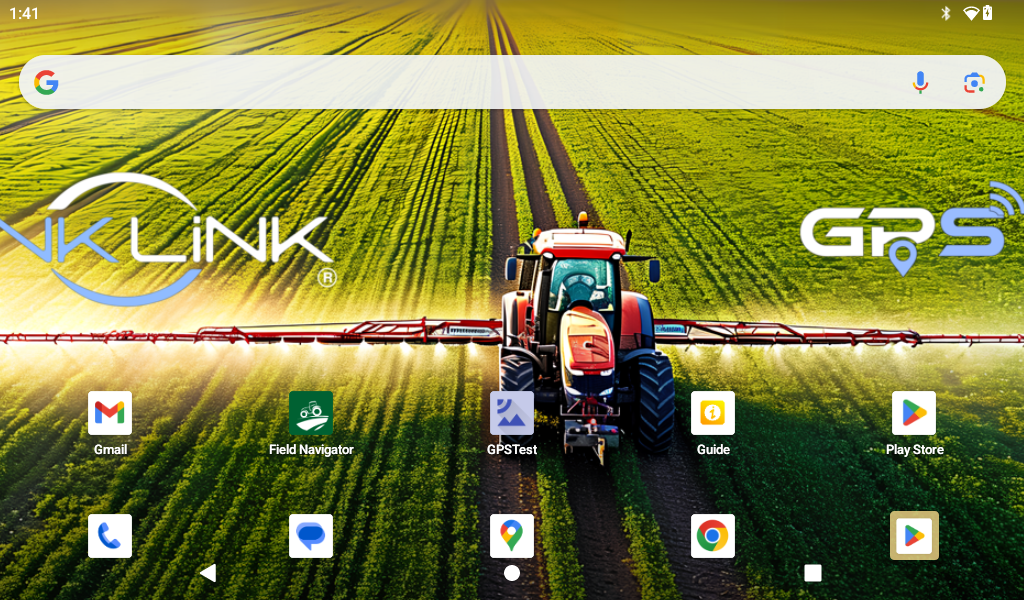
What it does
- Provides visual parallel guidance using A/B lines.
- Maps paddock boundaries and records worked-area coverage.
- Creates boundaries manually, from live GPS or from SHP and KML files.
- Saves fields and tracks for later use.
- Uses the internal GNSS receiver or a compatible Bluetooth or USB NMEA receiver.
- Supports Normal, Hybrid, Satellite and Terrain map layers.
- Includes backup and restore for field data.
- Starts directly into Field Navigator after boot.
Built for straightforward field work
The U320 suits jobs where the operator needs a clear map, repeatable passes and a record of where work has been completed. Typical uses include spot spraying, boundary recording, pasture work and basic guidance on older machinery.
Know its limits
The U320 is a navigation aid. It is not an autosteer controller, RTK receiver, survey instrument or collision-avoidance system. Position accuracy depends on the selected receiver, antenna installation, satellite view and local conditions.
Product Information Sheet
| Product | VKLink U320 Field Navigator |
|---|---|
| Application | Visual field guidance, boundary mapping and coverage recording |
| Display format | 1024 x 600 landscape Android tablet |
| Position sources | Internal GNSS, compatible Bluetooth GPS or USB serial NMEA |
| Field input | Manual boundary, live GPS boundary, SHP or KML import |
| Guidance | Manual or live-position A/B line with parallel passes |
| Data | Saved fields, tracks, coverage, backup and restore |
Product details may change as the installed software is updated. Confirm current inclusions and availability with VKLink when ordering.
Contact VKLink for current pricing
Please contact VKLink for availability, compatibility or help choosing the right setup.